As we have been warning in our menu for a year, Thunderforest has become a paid subscription map service.
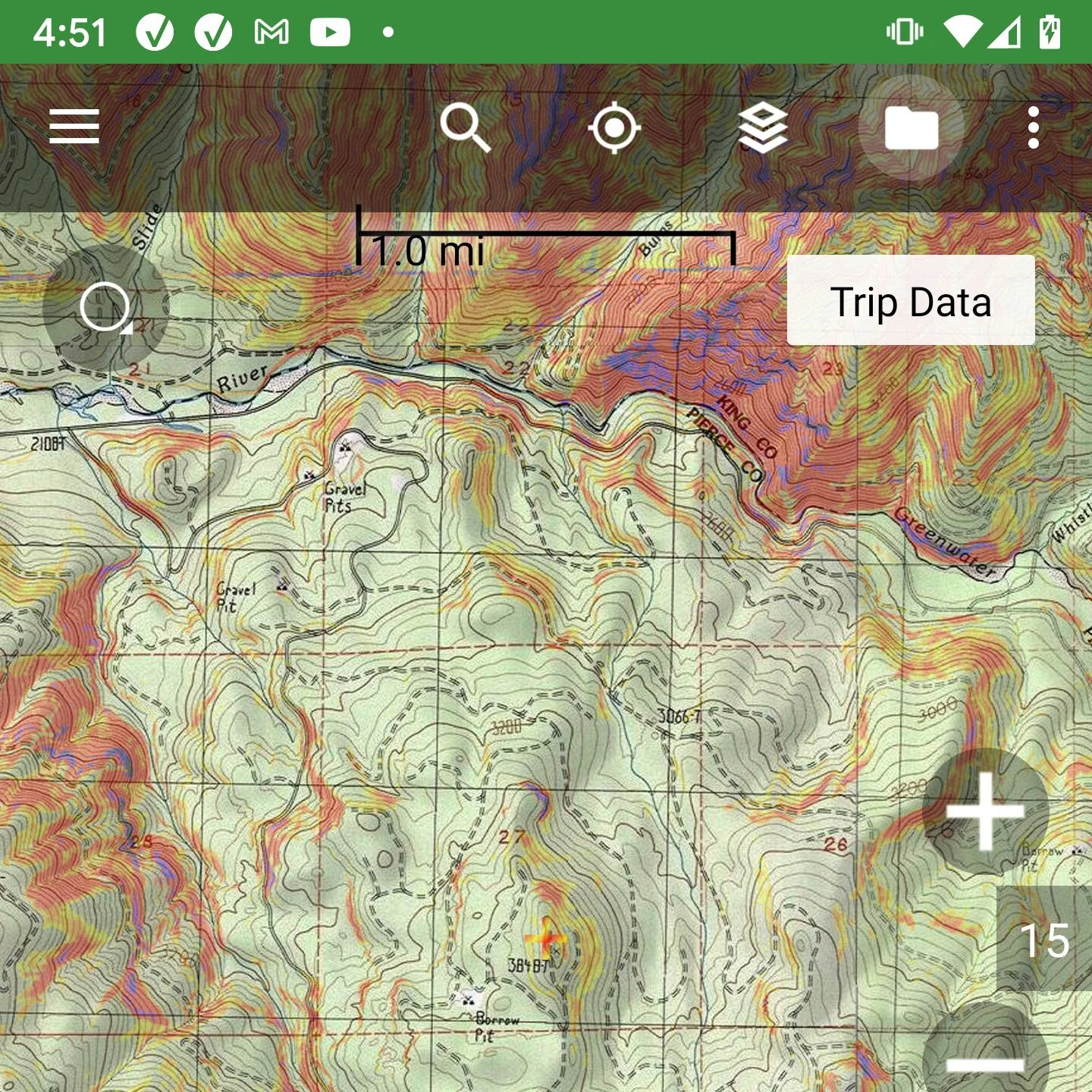
Thunderforest are worldwide maps and include the Thunderforest Outdoor, Thunderforest Landscape, and OpenCycle Maps.
They have been charging us for years and we are forced to pass this cost on to customers to stay in business.
There is no change to users of BackCountry Navigator XE. The Thunderforest maps are part of a Bronze or higher membership and still are.
For BackCountry Navigator PRO users, there is a new subscription available called Thunderforest (USD 7.99/year). It will also work if you have another subscription already, such as Caltopo or Accuterra.
Alternatives - Local
The main alternative is using a map that is specific to your country. Not all countries have them, and in some cases, they may not be preferred. OpenStreetMap based sources like Thunderforest are often the best at having obscure roads and trails.
Alternatives - Global
There is no free, worldwide comparable map source that I am aware of. If you know of one, please let us know.
Correction: If you are using maps from openandromaps.org, that is still a great option, although the instructions are different. See https://www.youtube.com/watch?v=Y7hmn0MaSTQ&t=1s for some examples.
OpenTopoMaps is a choice that is in the menu, and is similar in that it uses OpenStreetMap data and covers the world. However, performance is not very good. There is no guarantee that it won’t become part of a subscription someday. That tends to happen once they get enough use.
Accuterra Topo or Accuterra Outdoor are new options that use OpenStreetmap and now cover the world. However, these are also part of a paid subscription, Accuterra. These are not yet completely optimized, so they may be slow to display in online use or in downloading. However, this won’t affect offline use. In the long run, I think these are a very good option, perhaps the best one, even though they can cost money.